
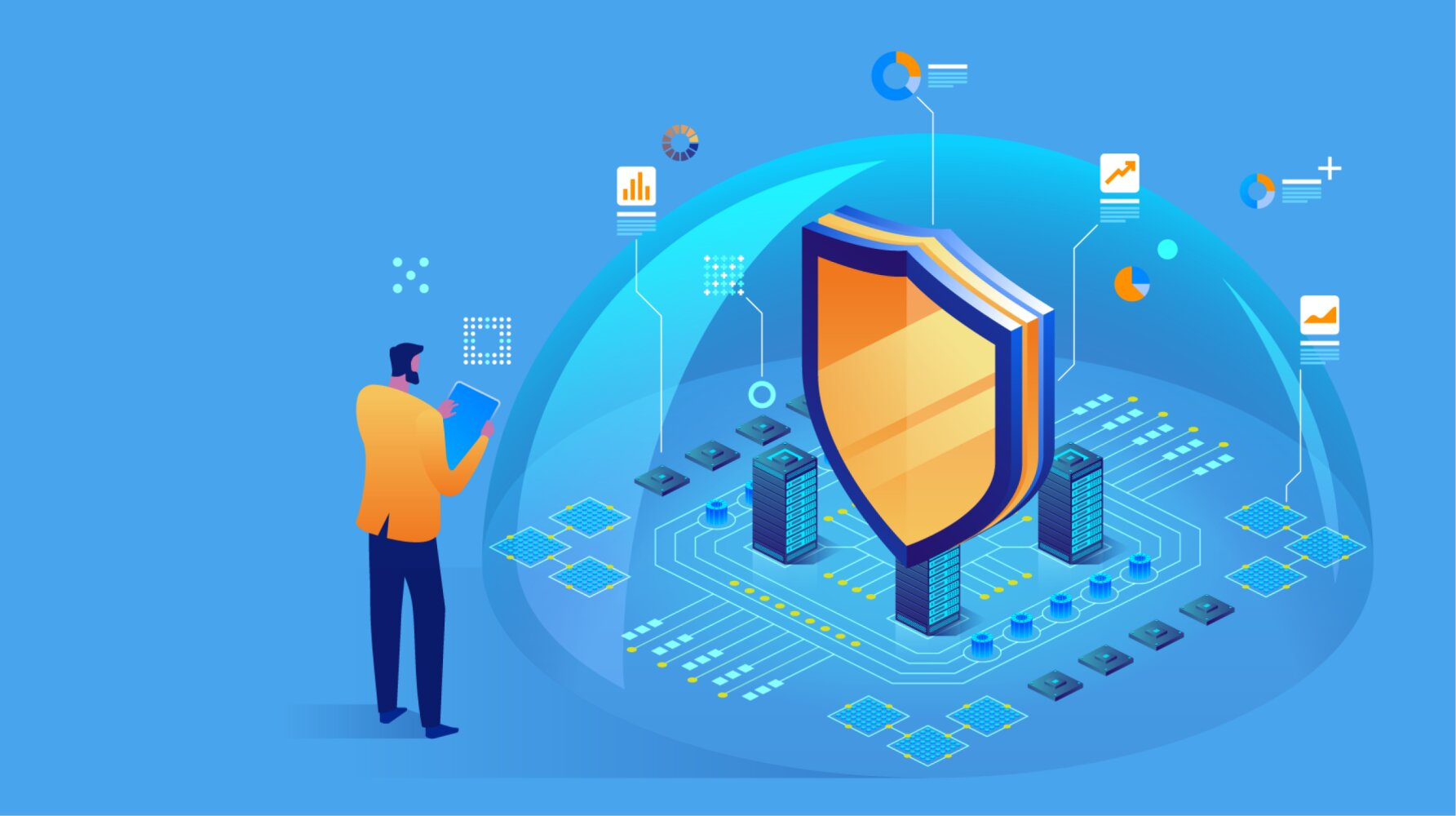
In our hyper-connected digital era, personal data has become one of our most valuable assets. From financial records and intimate conversations to professional documents and family photos, our lives are stored in bits and bytes across various devices and cloud servers. This immense convenience, however, comes with a significant and ever-present risk: the threat of hackers. These digital marauders are no longer just lone wolves in basements; they are part of sophisticated criminal syndicates that profit from stealing and exploiting personal information. The consequences of a data breach are severe, ranging from devastating financial fraud and identity theft to irreparable damage to your reputation and privacy.
The good news is that you are not powerless. Protecting your data is not an arcane art reserved for tech wizards; it is a set of practical, actionable habits and strategies. This definitive guide is designed to empower you with the knowledge and tools necessary to build a formidable defense against digital threats. We will move beyond basic advice and delve into a multi-layered security approach, ensuring that even if one layer is compromised, others stand strong to protect your digital life.
A. Understanding the Enemy: Who Are The Hackers and What Do They Want?
To build an effective defense, you must first understand the adversaries you face. The term “hacker” is a broad brush that paints over a diverse group of individuals with varying motivations and skill sets.
A. Cybercriminals: This is the most common type of threat for the average person and business. Their primary motivation is financial gain. They employ tactics like ransomware, where they encrypt your files and demand payment for their release, or they steal financial information, credit card numbers, and login credentials to drain bank accounts or sell the data on the dark web.
B. Hacktivists: These individuals or groups are driven by political or social ideologies. They hack into systems to promote a message, disrupt services of organizations they oppose, or leak sensitive information to embarrass their targets. While they may not always target individuals directly, your data could be caught in the crossfire if you are associated with their target.
C. State-Sponsored Actors: These are highly skilled hackers funded by nation-states. Their targets are typically government agencies, large corporations, and critical infrastructure. Their goals include espionage, stealing intellectual property, and sowing political discord. While the average person is not a direct target, large-scale data breaches at major companies can expose the personal information of millions of citizens.
D. Insider Threats: Sometimes, the danger comes from within. A disgruntled employee, a careless contractor, or even a well-meaning staff member who mistakenly shares sensitive data can cause a significant security incident. This highlights the importance of internal controls and the principle of least privilege.
What They’re After:
-
Personally Identifiable Information (PII): Your full name, address, Social Security number, date of birth. This is the gold standard for identity theft.
-
Financial Data: Credit card numbers, bank account details, cryptocurrency wallet keys.
-
Login Credentials: Usernames and passwords for email, social media, and especially financial accounts. Many people reuse passwords, so gaining one set of credentials can unlock multiple accounts.
-
Personal Data: Private photos, emails, and messages that can be used for blackmail or public shaming.
-
Computing Resources: They may want to enlist your device into a “botnet”—a network of infected computers used to launch attacks on other systems or send spam, all without your knowledge.
B. The Human Firewall: Your First and Best Line of Defense
The most sophisticated security software in the world can be rendered useless by simple human error. You are the “human firewall,” and strengthening this layer is the single most important step in data protection.
A. Mastering the Art of the Password and Beyond
* Create Uncrackable Passwords: Length is more critical than complexity. Use a long passphrase a sequence of random words like Red-Spaceship-Dances-Over-Mars!. This is longer and easier to remember than a complex but short password like P@ssw0rd!. Avoid using dictionary words, personal information (pet names, birthdays), or common sequences (12345, qwerty).
* Embrace Password Managers: Remembering dozens of strong, unique passwords is impossible for anyone. A reputable password manager (like Bitwarden, 1Password, or LastPass) generates, stores, and auto-fills complex passwords for all your accounts. You only need to remember one master password.
* Enable Two-Factor Authentication (2FA) Everywhere: 2FA adds a critical second step to the login process. Even if a hacker steals your password, they cannot access your account without the second factor. This is typically:
* Something you have: A code from an authenticator app (like Google Authenticator or Authy) or a physical security key (like a YubiKey). *Avoid SMS-based 2FA if possible, as phone numbers can be hijacked through SIM-swapping attacks.*
* Something you are: Biometric data like a fingerprint or facial recognition.
B. Developing Phishing Scam Detection Skills
Phishing is a social engineering attack designed to trick you into revealing sensitive data or installing malware. It often comes via email, text (smishing), or phone calls (vishing).
* Scrutinize Sender Addresses: Hover over the “from” name to see the actual email address. Look for subtle misspellings of legitimate company names (e.g., service@amaz0n.support).
* Beware of Urgency and Threats: Phishing emails often create a false sense of urgency (“Your account will be closed in 24 hours!”) or fear (“We’ve detected suspicious activity!”) to pressure you into acting without thinking.
* Inspect Links Before Clicking: Hover your cursor over any link to see the true destination URL. If it looks suspicious or doesn’t match the company’s official domain, do not click.
* Be Wary of Unsolicited Attachments: Never open an attachment you weren’t expecting, even if it appears to be from someone you know.
* Verify Directly: If an email from your “bank” seems suspicious, do not use the contact information in the email. Instead, go directly to the bank’s official website or call the number on the back of your card.
C. Practicing Prudent Social Media Hygiene
Oversharing on social media provides hackers with a treasure trove of information to answer security questions, craft targeted phishing emails, or guess your passwords.
* Review and Tighten Privacy Settings: Regularly audit your privacy settings on all platforms. Limit who can see your posts, friend list, and personal information.
* Avoid Posting Sensitive Information: Never share your full address, phone number, birthday, vacation plans (in real-time), or details about your children online.
* Be Cautious with Quizzes and Games: Seemingly fun quizzes (“What’s your pirate name?”) are often designed to harvest data and the answers to common security questions.

C. Fortifying Your Digital Castle: Device and Network Security
Your personal devices laptops, smartphones, and tablets are the gateways to your data. Securing them and the networks they connect to is non-negotiable.
A. The Non-Negotiable Habit of Software Updates
Software updates are not just about new features; they are primarily about patching critical security vulnerabilities that hackers are actively exploiting. Enable automatic updates for:
* Your operating system (Windows, macOS, iOS, Android)
* All applications and software, especially your web browser
* Your router’s firmware
B. The Power of Encryption
Encryption scrambles your data into an unreadable format that can only be deciphered with a key.
* Full-Disk Encryption: Ensure your devices are encrypted. This is called FileVault on macOS and BitLocker on Windows Pro. On modern smartphones, it’s typically enabled by default once you set a lock screen password. This means if your device is lost or stolen, the thief cannot access the data on it.
* Website Encryption: Always look for https:// and a padlock icon in your browser’s address bar before entering any sensitive information. The “s” stands for “secure” and indicates the connection to the website is encrypted.
* VPN for Public Wi-Fi: Public Wi-Fi networks (in cafes, airports, hotels) are notoriously insecure. A Virtual Private Network (VPN) creates an encrypted “tunnel” for your internet traffic, shielding it from eavesdroppers on the same network. Choose a reputable, paid VPN service, as free ones may compromise your privacy.
C. Deploying Robust Security Software
A comprehensive antivirus and anti-malware suite is a essential layer of defense. It can detect, quarantine, and remove malicious software before it causes harm. Look for suites that offer real-time protection, firewalls, and phishing protection.
D. Securing Your Home Network
Your home Wi-Fi is the front door to your digital life.
* Change Default Router Credentials: The default username and password for your router are often easily found online. Change them immediately to something strong and unique.
* Use a Strong Wi-Fi Password: Use WPA2 or WPA3 encryption for your Wi-Fi network with a long, complex password.
* Rename Your Network (SSID): Change the default name to something that doesn’t identify you or your router model.
* Enable a Firewall: Ensure the built-in firewall on your router is enabled to block unauthorized incoming connections.
D. Data Management and Backup: Preparing for the Worst
A robust security posture isn’t just about prevention; it’s also about resilience. Assume that a breach could happen, and have a plan to recover.
A. Implementing the 3-2-1 Backup Rule
This is the gold standard for data backup, ensuring you can recover your data even in a catastrophic event like ransomware or a hardware failure.
* 3: Have at least three total copies of your data.
* 2: Store these copies on two different types of media (e.g., an external hard drive and a cloud service).
* 1: Keep one copy offsite (e.g., the cloud or a hard drive at a trusted relative’s house).
Regularly back up your most important files—documents, photos, and videos—to both a physical external drive and a reputable cloud backup service (like Backblaze or iDrive).
B. Knowing How to Wipe Data Remotely
Both mobile and desktop operating systems offer features to locate, lock, and remotely erase your device if it is lost or stolen. Ensure these features are preemptively enabled. This allows you to protect your data even when the physical device is out of your possession.
C. Prudent Data Disposal
When getting rid of an old computer, smartphone, or hard drive, simply deleting files or formatting the drive is not enough. Data recovery tools can easily restore them. Use dedicated data-shredding software to permanently erase the drive, or for physical hard drives, physically destroying the platters is the most secure method.
E. Advanced Protective Measures for the Security-Conscious
For those who want to take their security to the next level, consider these advanced strategies.
A. Transitioning to a Passwordless Future with Passkeys
Passkeys are a new, more secure, and easier-to-use replacement for passwords. They use cryptographic key pairs, so your actual “credential” never leaves your device and isn’t stored on a server. This makes them immune to phishing and data breaches. Major platforms like Google, Apple, and Microsoft are now supporting passkeys.
B. Using Secure and Encrypted Communication Tools
For sensitive conversations, move away from standard SMS and traditional email. Use end-to-end encrypted messaging apps like Signal or WhatsApp, which ensure that only you and the person you’re communicating with can read what is sent.
C. Conducting Regular Personal Security Audits
Set a quarterly reminder to conduct a personal security checkup:
* Review your social media privacy settings.
* Check your Google or Apple account for connected third-party apps and revoke access to those you no longer use.
* Use your password manager’s feature to check for weak or reused passwords.
* Review your bank and credit card statements for any unauthorized transactions.
Conclusion: Vigilance is the Price of Digital Freedom
In the relentless battle for digital security, there is no single magic bullet. The most effective strategy is a holistic, layered approach that combines robust technological tools with informed and vigilant behavior. By understanding the threats, fortifying your devices and networks, managing your data wisely, and cultivating a mindset of healthy skepticism, you can dramatically reduce your attack surface and transform from a potential victim into a hardened target.
The responsibility for protecting your digital life ultimately rests with you. Start today by implementing one new practice from this guide be it enabling 2FA on your primary email account, installing a password manager, or finally setting up that automated backup system. Your future, secure digital self will thank you for it.